

Your cart is empty, and it looks like you haven’t added anything yet.
 Services
 Beauty & Cosmetics
 Women Fashion
 Home & Living
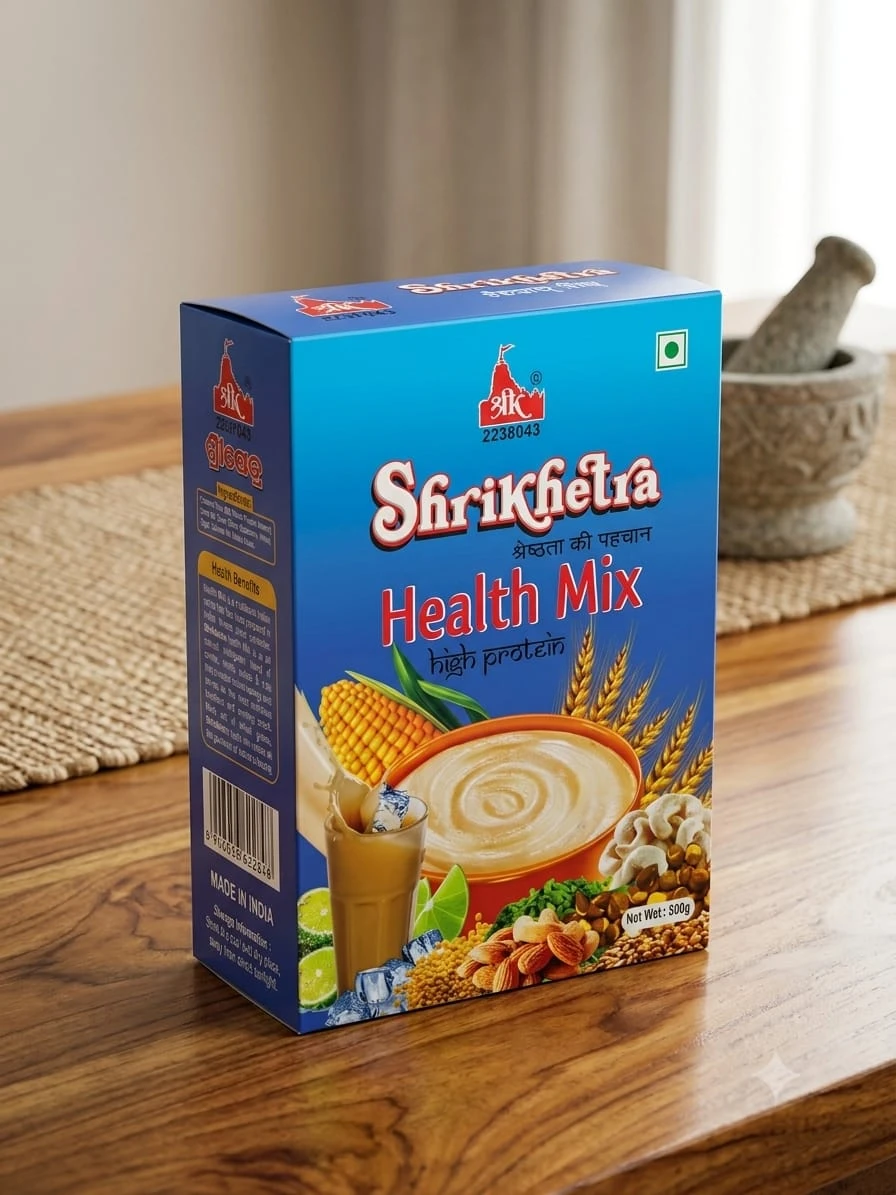 Grocery & Gourmet Foods
 Men Fashion
 Electronic Gadgets
 KIds Fashion Girls
 Kids Fashion Boys

Divinemom allows users to request permanent deletion of their account and associated personal data, in compliance with Google Play policies.
Users can delete their Divinemom account in two ways:
If you are unable to access the app, you can request account deletion by email.
Send an email to:
📧 divinemomindia@gmail.com
Email subject:
Account Deletion Request – Divinemom
Include the following details:
Once your request is processed, we will permanently delete:
Certain data may be retained for a limited period if required by law, including:
Such data is retained only for legal compliance and not used for marketing.
Divinemom
📧 divinemomindia@gmail.com
📞 +91 8637266545



You need to Sign in to view this feature

This address will be removed from this list
 english